Mobile
ZK77 Quick APP on iPhone | Add to Home Screen
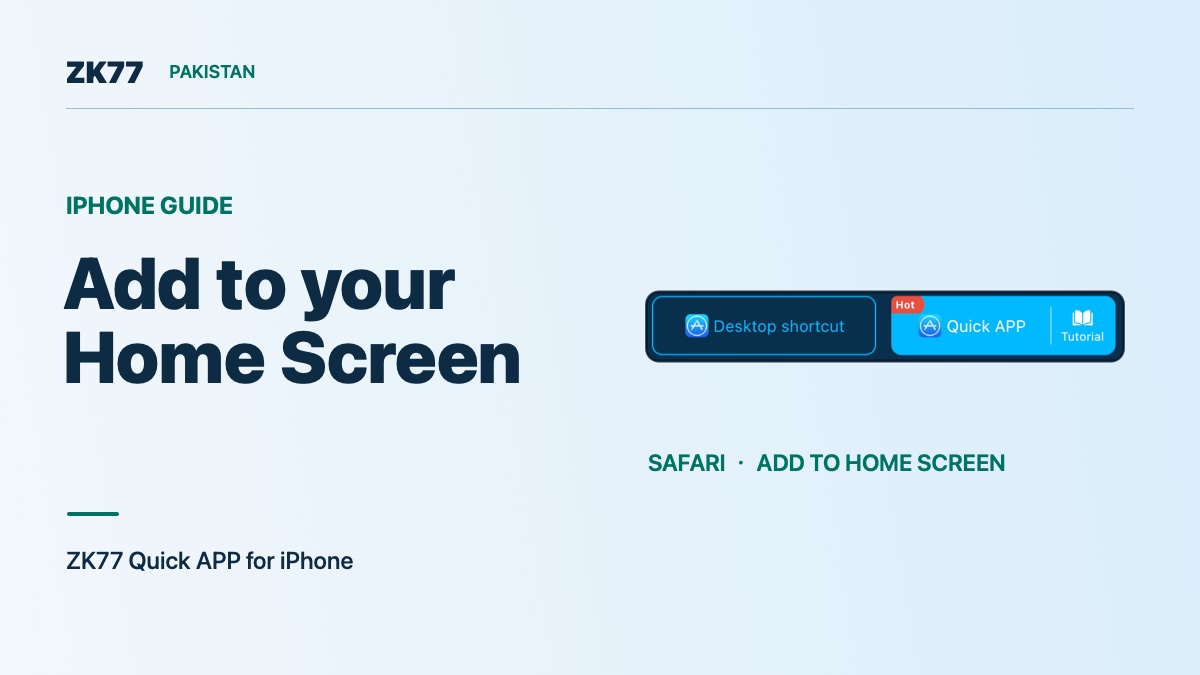
Add ZK77 Quick APP to your iPhone Home Screen from Safari and open the platform by tapping the ZK77 icon.
ZK77 Pakistan Editorial
Key points
- Use Safari’s Add to Home Screen option to create a ZK77 icon.
- On your next visit, open ZK77 from that icon.
Add ZK77 to your Home Screen
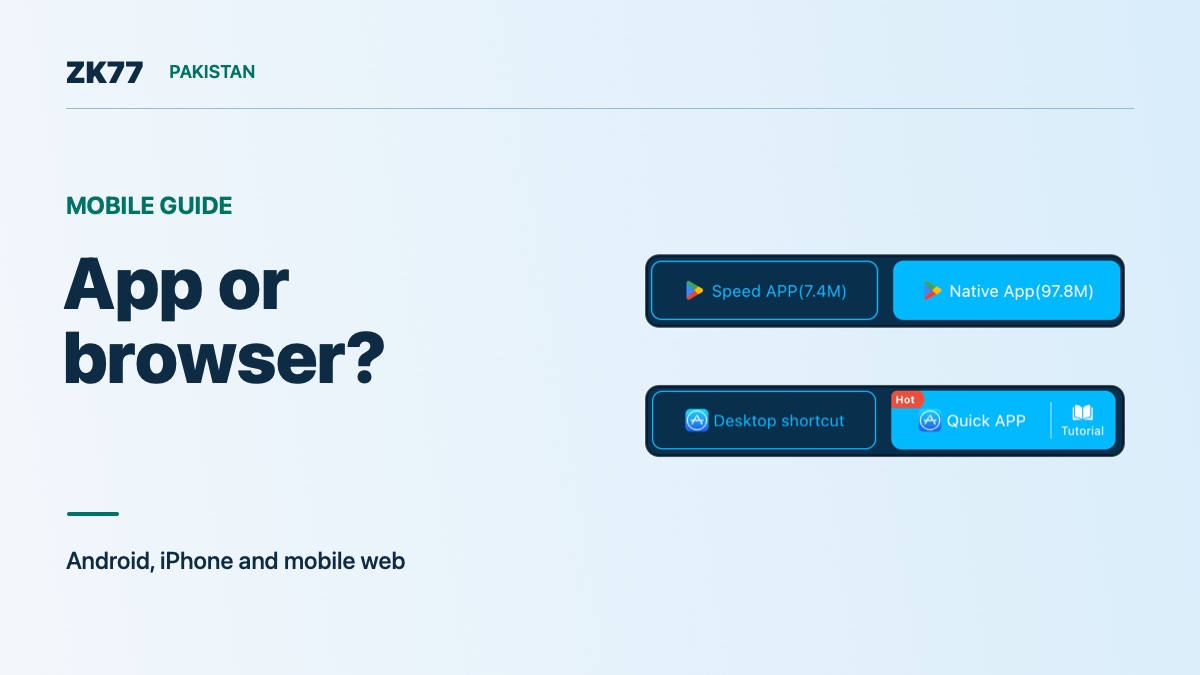
Quick APP is the iPhone web app. Start from the official ZK77 address in Safari.
- Open the official ZK77 platform in Safari on your iPhone.
- Tap Share and choose Add to Home Screen.
- If Open as Web App is shown, turn it on. Tap Add.
- Tap the ZK77 icon on your Home Screen to open it.
Keep using Safari
You can also visit the official ZK77 address directly in Safari whenever you need Login, the lobby or Support.