ZK77 Pakistan
Protect Your ZK77 Account
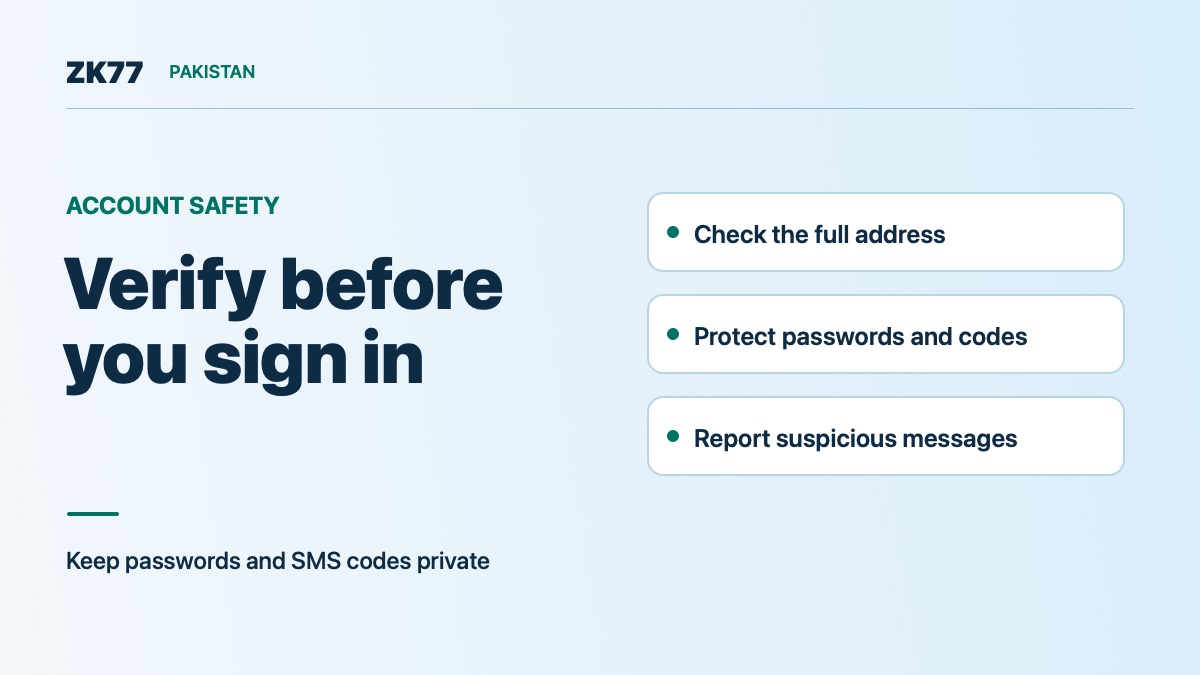
Check the address before entering a password or code. If a message, link or transaction looks wrong, use the support route on the verified platform.
Links
Verify the Source
Bookmark the verified Pakistan route and check the address whenever a page asks you to sign in.
Lookalike pages
Compare the full address before entering an account number or SMS code.
App files
Use the verified platform menu to identify the source and the package offered to your device.
Account details
Keep Credentials Private
Use a unique password and treat SMS codes as private.
Unrequested code
Do not send it to anyone. If unfamiliar activity appears in your account, contact support.
Shared devices
Sign out when finished and avoid saving the password on a device you share.
Lost SIM
Ask support about recovery routes for the existing account.
Payments
Withdrawal Checks and Payment Records
Confirm the linked wallet before you submit a withdrawal. Keep the order reference so you can check its status with Support.
Check the destination
Review the linked JazzCash or Easypaisa wallet and the PKR amount in the withdrawal form before submitting.
Use your withdrawal password
The normal withdrawal form asks you to verify your withdrawal password. Enter it in the verified platform and keep it private.
Track the order
Find the status and reference in My Records. Share the reference through platform Support if something needs to be checked.
Documents
Policies and Terms
Read the Site Policies
Use the Privacy Policy and Terms & Conditions for information about the brand site.
Security Questions
Can I share my SMS code with a support account?
Keep SMS codes, passwords and payment PINs private.
What should I do if I opened a suspicious link?
Close the page, use the verified route and contact support if you entered any account details.
Report an account issue
Use the support panel and describe the screen or message you saw.