Account Help
ZK77 Login Code Not Received? Start Here
Check your registered +92 number, choose the SMS code route and learn when to contact ZK77 Support if you cannot verify the account.
ZK77 Pakistan Editorial
Key points
- Check +92 and the registered number.
- Wait for the resend timer before trying again.
Check the login route
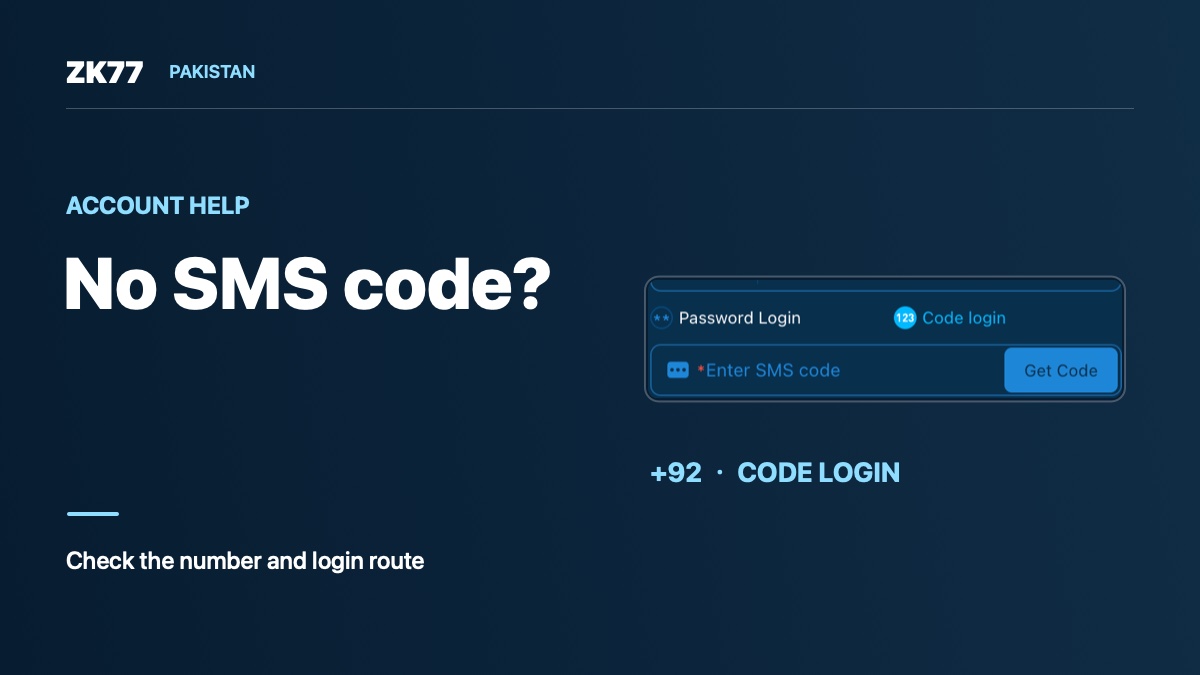
In Login choose Code login, check the +92 number, then select Get Code. Use the code for the current attempt.
Check which form is open
The same panel has two tabs. Code register is for creating an account; existing users should use Code login under Login.
Check whether the phone can receive SMS
Check the SIM and signal, wait for the resend timer and confirm the number before requesting a new code.
Ask about account recovery
Forgot Password opens Identity Verification, then Change Password. If verification fails, use Customer Service and say which step you cannot complete.
Related pages