Payments
ZK77 Withdrawal Pending? Check Your JazzCash or Easypaisa Request
Track a pending ZK77 withdrawal, compare your JazzCash or Easypaisa receiving account, and find the details Support needs to check the request.
ZK77 Pakistan Editorial
Key points
- Check the status in My Records. Approved normal withdrawals reach your wallet in seconds.
- Match the request with the selected receiving wallet and keep the reference.
Check which route you selected
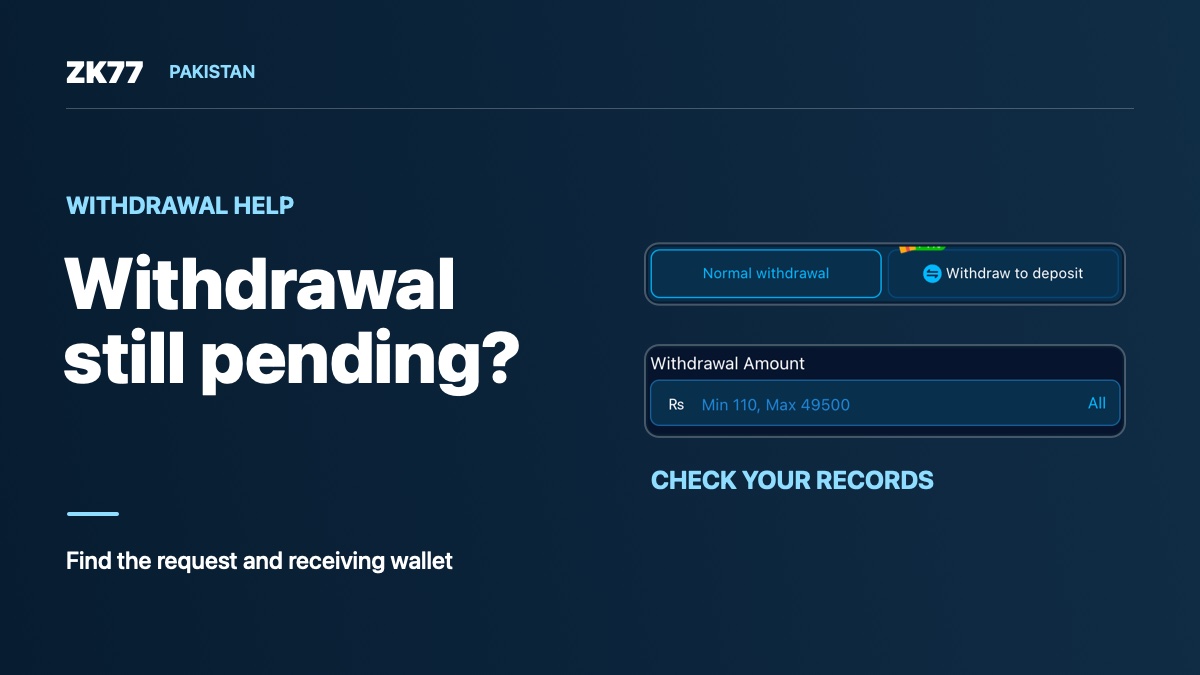
For a payout to a linked wallet, the request form labels the route Normal withdrawal. It also shows a separate Withdraw to deposit option. Check Receiving account for the wallet linked to the request.
Compare the two records
Find the request in My Records and record its reference, amount, submission time and status. Compare the destination with the wallet you selected and check its transaction history for a matching credit.
The payout is credited within seconds after ZK77 approves the request. If the order is pending, use its status and reference to check the review stage.
Choose what to check next
Use the status and destination shown in your own account. Avoid opening a second request for the same amount while the first is being checked.
| What you see | What to check |
|---|---|
| Request pending | Check My Records for the review status and keep the request reference. |
| Marked complete; wallet not credited | Compare the selected destination and the receiving wallet’s records. |
| Rejected or cancelled | Read the reason and check the available balance before starting another request. |
Ask ZK77 Support to check the request
Provide the reference, PKR amount and wallet type through Support. Keep your withdrawal password, SMS codes and wallet PIN private.
Related pages